
Here are the product updates shipped by the Enso Connect engineering team during the week of February 4–4, 2026. These updates span inbox experience, integrations, platform reliability, and payout display changes.
Inbox Email Conversation Improvements
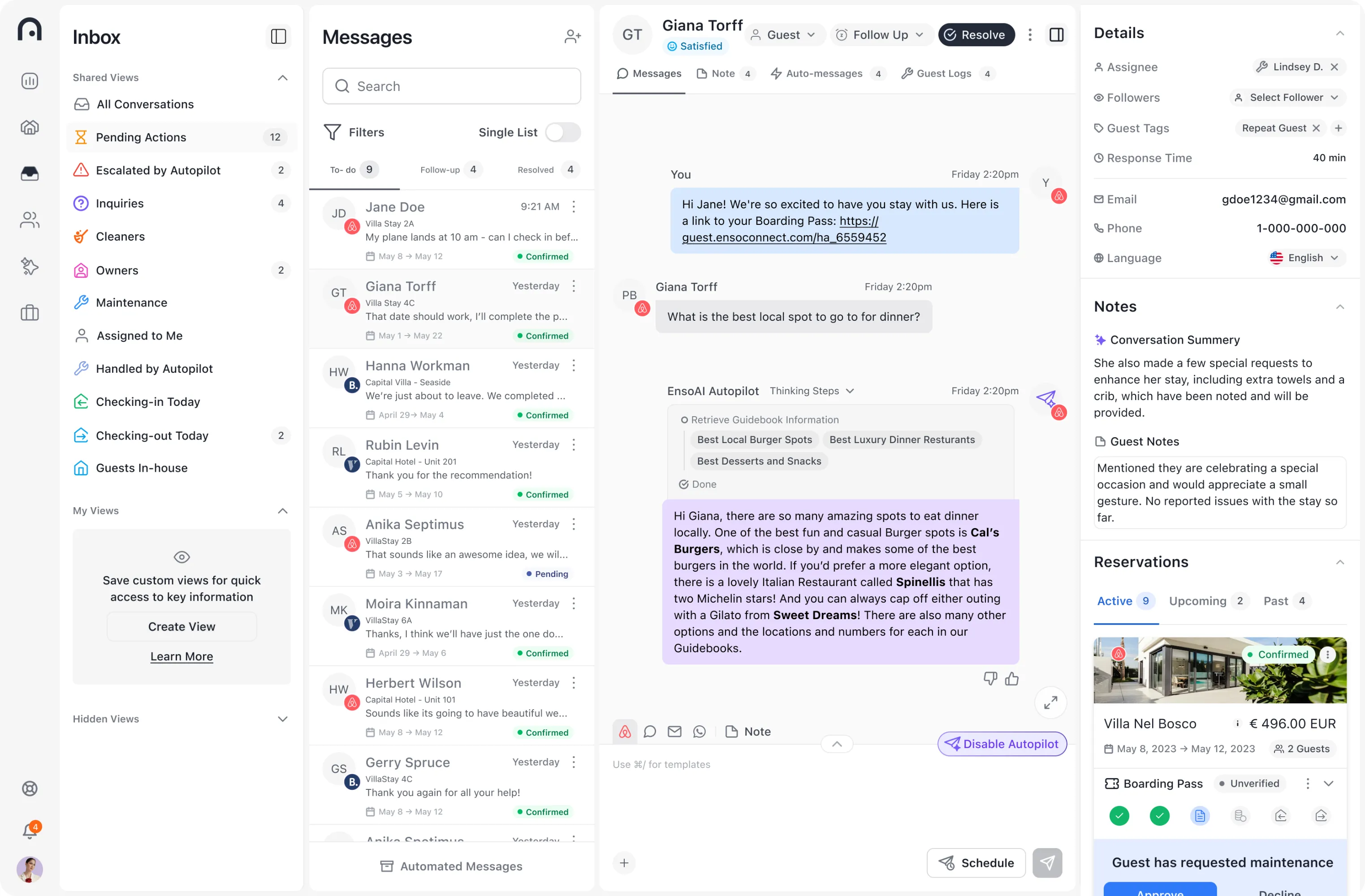
Email messages in the Inbox now look consistent with all other message types. They appear inside the familiar blue and grey message bubbles, displayed within a rounded white container with margins for improved readability. Emails now also show a content preview by default, with a “Show Full Message” option to expand the full thread — matching the behavior of other message types. This update makes it easier to scan and read conversations without losing context.
Empty Tab States for Inbox Search
When searching Messages and the default ‘To-Do’ tab returns zero results, users were previously left with a blank state — leading to confusion about whether their search had failed. New empty tab states now guide users to check other tabs where results may exist, and surface helpful prompts to correct mistakes in search or filter inputs. This update is available to all users and applies to the Inbox area.
Avantio Custom Fields Now Syncing
Enso Connect now syncs custom fields from Avantio, surfacing a section of their API that was previously overlooked. Custom fields will automatically come through on new and updated bookings going forward. To retrieve them for existing bookings, a resync is required. Once synced, these fields are available as conditions in Enso workflows, opening up new automation possibilities for Avantio users.
Atomic Locks for Product Purchases
A backend reliability update introduces atomic locks around product purchase operations. This prevents race conditions that could result in duplicate security deposits being created with the same Stripe ID. The fix ensures that concurrent purchase events are handled correctly, eliminating edge cases that previously caused unexpected behavior.
Payout Breakdown Removed from Upsells and Boarding Pass Preview
The Payout Breakdown section has been removed from upsells, fees, and the boarding pass preview. In its place, a message is now displayed clarifying that the value shown in the boarding pass preview is a demonstration value. This removes potentially confusing financial breakdowns from guest-facing preview surfaces.