
Here are the product updates shipped by the Enso Connect engineering team during the week of January 26–29, 2026. This week\’s updates cover guest check-in notifications, a redesigned branding experience, WhatsApp account management, and a new pre-stay upsell product.
Boarding Pass Check-In and Check-Out Slack Notifications
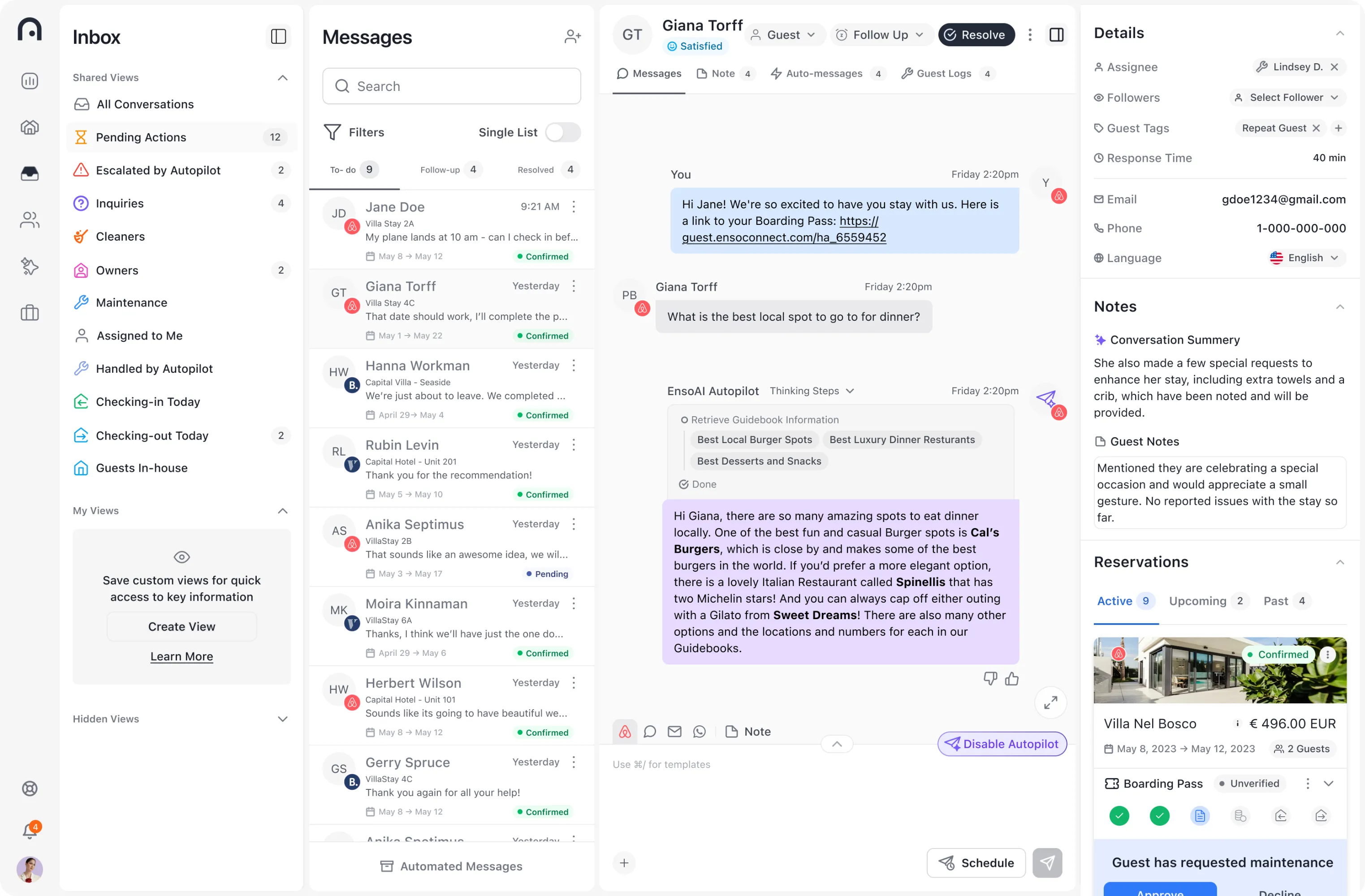
Hosts can now receive a Slack notification when a guest checks in or checks out via the Boarding Pass. This makes it easier for property teams to monitor real-time guest arrivals and departures without needing to watch the dashboard.
Also included in this release: a fix ensuring that upsells and fees displayed within the Boarding Pass are now scoped specifically to the selected booking, preventing cross-booking data from appearing.
New Branding Page and Business Settings Menu
A redesigned Branding page and updated Business Settings base page are now live. Key improvements include a live brand preview as you edit settings, a smoother multi-brand and brand creation flow with visual separation for default brands, and a brand list table matching modern styling from the Listings view — showing country and applied listing groups at a glance.
Delete WhatsApp Account from Business Settings
Users can now delete a connected WhatsApp account directly from Business Settings → Messaging. The delete option appears on the WhatsApp account management page and triggers a confirmation dialog before permanently removing the account. This feature is available when the twilio-whats-app-implementation flag is enabled.
New Upsell: Gap Night Pre Stay
A new upsell product called gap_night_pre_stay has been introduced. Similar to the existing gap_night product, it allows hosts to offer guests the option to request additional nights before their check-in date — when there is an available gap between bookings. The system checks that the gap between preceding bookings is sufficient before presenting the offer.