


"On nous avait dit qu'il faudrait peut-être 6 mois pour voir un retour sur investissement, mais nous avons commencé à gagner de l'argent en seulement 6 jours."

Daemion Glantz
Directeur des opérations, GoodNight Premium Stays
Une automatisation des accès sans accroc pour les locations saisonnières
Simplifiez vos opérations et améliorez l’expérience voyageur grâce à l’arrivée autonome sans clé, rendue possible par WYZE.
Chez Enso Connect, nous aidons les professionnels des locations saisonnières à élever et à monétiser l’expérience voyageur. Nous intégrons les meilleurs systèmes connectés intelligents, dont les produits de maison connectée Wyze. Cette entreprise est un leader du marché de l’électronique grand public grâce à ses produits abordables et faciles à utiliser. Nous avons testé la serrure Wyze pour vous aider à faire un choix éclairé pour la gestion de vos accès à distance.
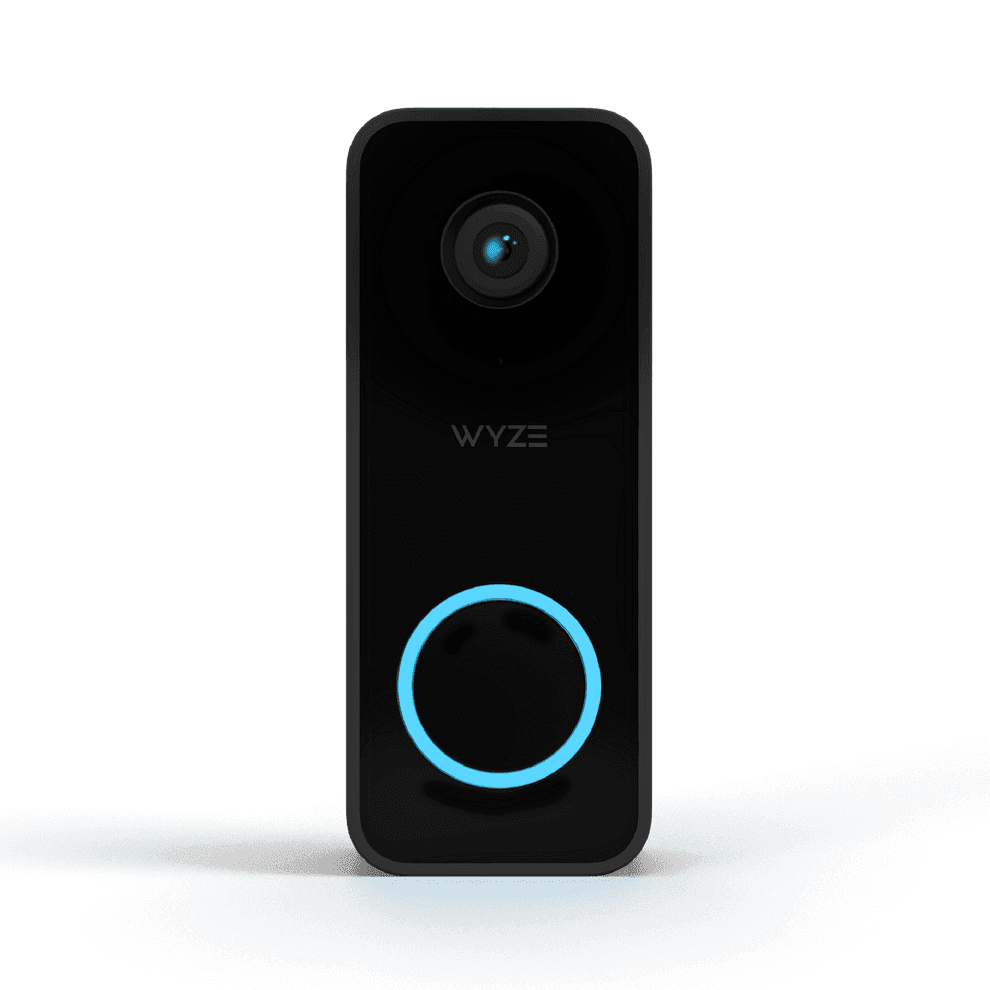
Les serrures connectées Wyze en valent-elles la peine ?
La serrure WYZE est une excellente option pour les opérateurs de locations saisonnières avec un budget serré :
L’entreprise s’est forgé une réputation en proposant des produits de grande qualité à des prix très bas. Les produits Wyze sont aussi faciles à utiliser et offrent de nombreuses fonctions pratiques et conviviales.
Le site Pcmag.com a testé la serrure et l’a qualifiée de meilleure serrure connectée que vous puissiez acheter pour moins de 150 $.
Intégrée en toute simplicité à la plateforme Enso Connect, la serrure WYZE porte la gestion des accès à un niveau supérieur, sans vous ruiner. Pour bénéficier de toutes les fonctions, un clavier et une passerelle, vendus séparément, sont nécessaires.

Avantages & inconvénients
Les serrures connectées Wyze sont-elles faites pour vous ?
avantages
Installation facile par adaptation
La serrure se fixe sur votre verrou existant : l’installation est simple et vous n’avez pas besoin de remplacer votre serrure actuelle.
Fonctions de notification
Vous recevez des notifications lorsque la porte se verrouille ou se déverrouille, ce qui est particulièrement utile pour suivre l’état de la porte à distance. Intégrées à la plateforme Enso Connect, ces notifications arrivent dans votre boîte de réception unifiée, ce qui simplifie la gestion des accès.
Facilité d’utilisation
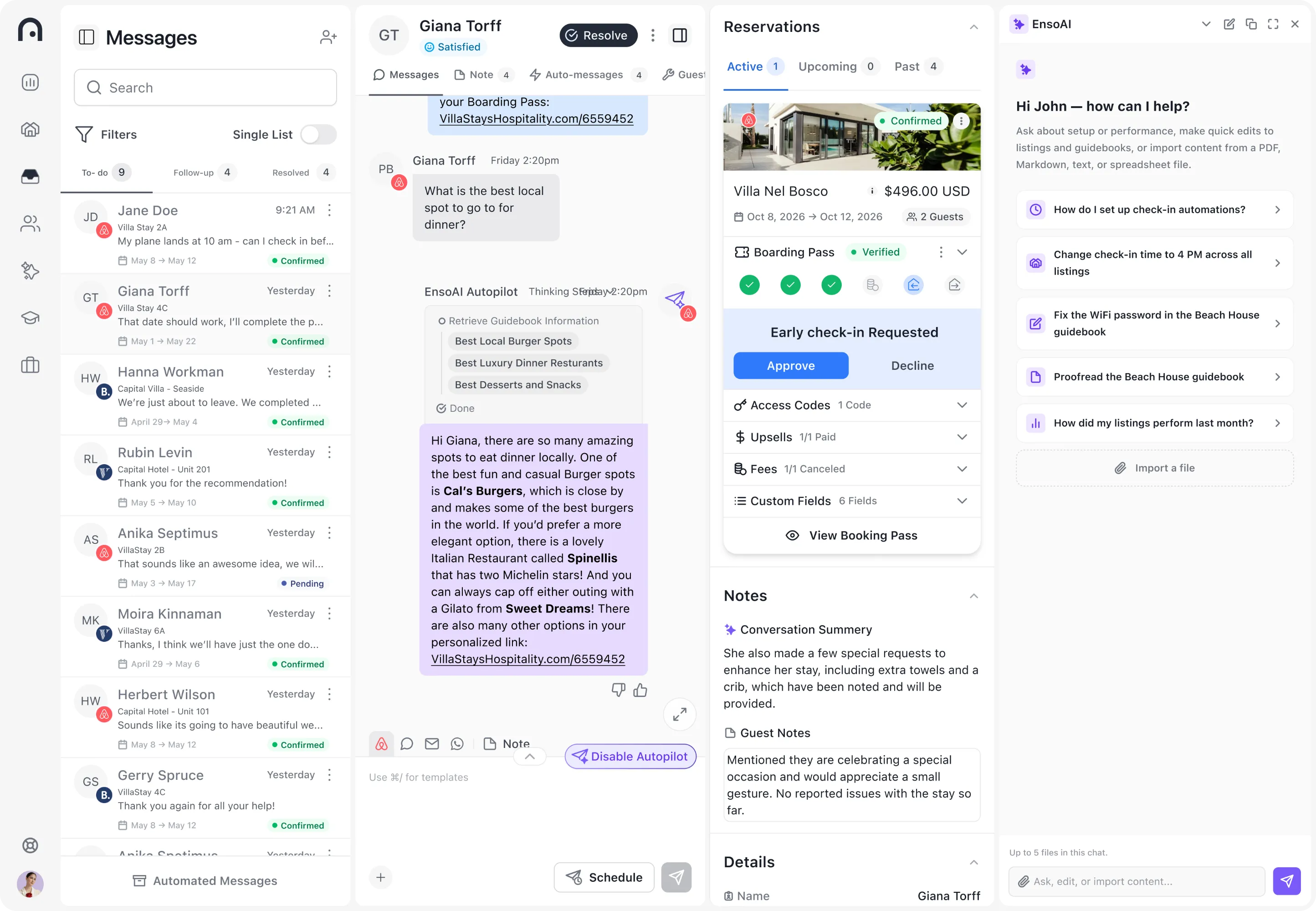
L’application WYZE facilite la configuration et la gestion de la serrure, notamment le partage d’accès et la création de codes d’accès temporaires. Intégré au Boarding Pass, le processus est encore plus fluide et simple, pour vos voyageurs comme pour votre équipe.
Conception physique et adaptable
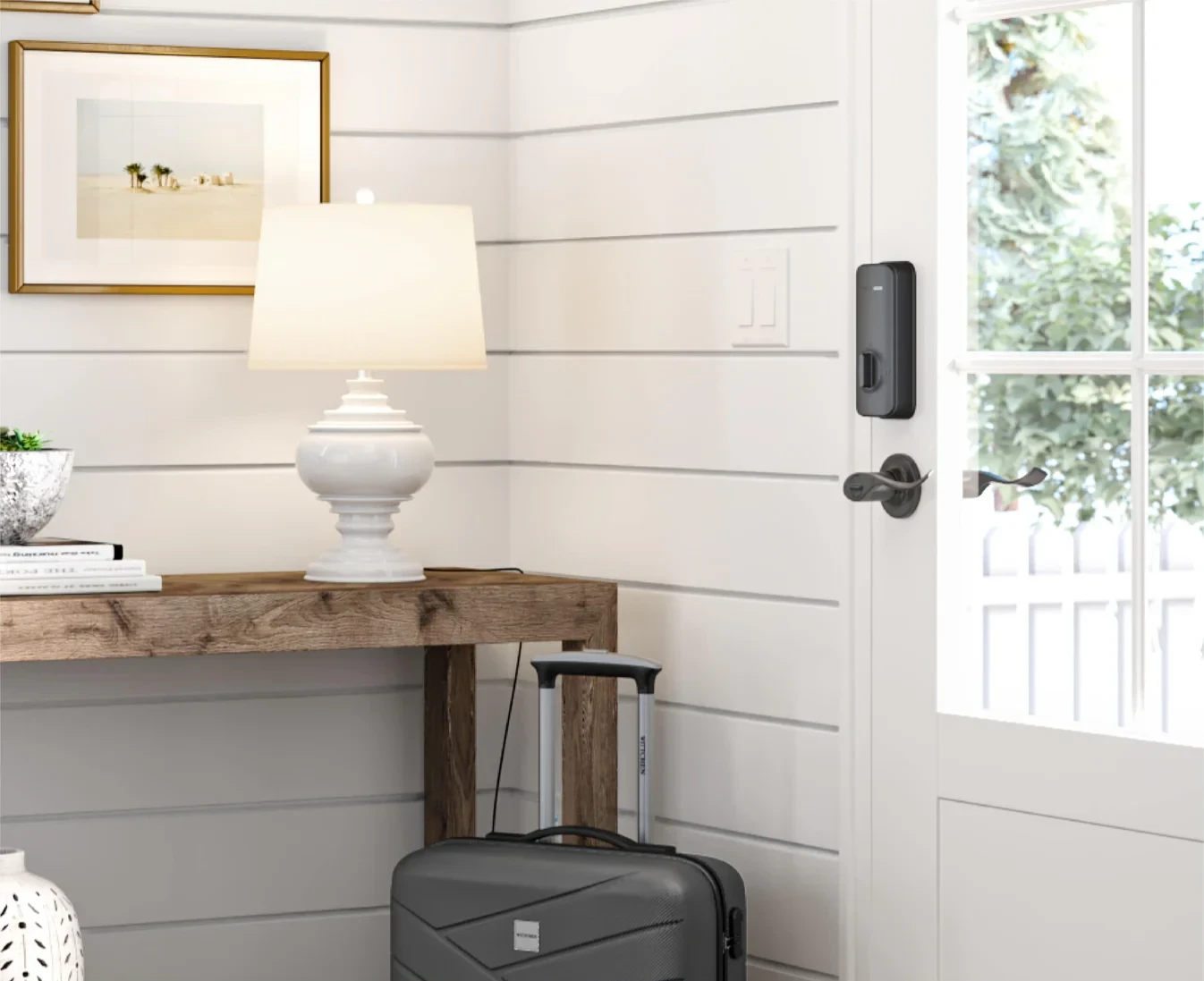
La serrure a un look épuré et soigné, avec un extérieur en métal et un couvercle magnétique pour remplacer facilement les piles. Elle conserve l’apparence extérieure d’une serrure classique tout en ajoutant des fonctions connectées.
Fonctions intelligentes
Elle comprend des fonctions comme le verrouillage automatique et la possibilité de partager l’accès avec d’autres personnes via l’application, pour plus de sécurité et de confort.
inconvénients
Sensibilité à l’alignement de la porte
La serrure WYZE peut avoir du mal avec les portes qui ne sont pas parfaitement alignées ou qui s’ajustent de façon très serrée, ce qui peut causer des problèmes de verrouillage et de déverrouillage.
Dépendance à la passerelle
La serrure nécessite un appareil passerelle séparé pour se connecter au Wi-Fi, qui doit être placé à une certaine distance de la serrure.
Fonctions à distance limitées
Certains réglages, comme la durée avant le verrouillage automatique, ne peuvent pas être modifiés à distance et nécessitent une connexion Bluetooth, ce qui peut être gênant.
Désagréments du verrouillage automatique
Le verrouillage automatique peut être gênant : il verrouille la porte très vite après son ouverture, ce qui n’est pas toujours souhaitable.
résultats
Résultats d’opérateurs qui utilisent Enso Connect avec Wyze


"Nous avons constaté une augmentation de 8 % de nos revenus dès le premier jour, rentabilisant notre abonnement en seulement 28 jours."

Njål Eliasson
Co-fondateur et Responsable du Développement Commercial, Heimby
À propos d’Enso Connect
Questions fréquentes
Questions fréquentes sur l’intégration Wyze
Vous ne trouvez pas votre réponse ? Parlez à notre équipe. De vrais humains, 24 h/24, 7 j/7.
La serrure WYZE a-t-elle besoin du Wi-Fi ?
Oui, la serrure Wyze Lock a besoin du Wi-Fi pour accéder à toutes ses fonctions connectées, mais elle s’y connecte via une passerelle séparée, et non directement.
La serrure WYZE est-elle sûre et sécurisée ?
La serrure Wyze Lock est conçue dans un souci de sûreté et de sécurité, avec des fonctions comme le verrouillage et le déverrouillage à distance, les notifications d’accès et la possibilité de créer et de partager des clés digitales. Cependant, comme tout appareil connecté, sa sécurité dépend de la solidité de la sécurité de votre réseau domestique, de la complexité de vos mots de passe et de la régularité avec laquelle vous mettez à jour le firmware de l’appareil pour vous protéger des vulnérabilités. Dans l’ensemble, elle offre un bon niveau de sécurité à la plupart des utilisateurs lorsqu’elle est bien utilisée.
Enso Connect ajoute une couche de protection supplémentaire grâce à un processus de vérification des voyageurs . Cela garantit que les codes de porte ne sont transmis qu’à des voyageurs vérifiés. Vous renforcez ainsi la sécurité et réduisez le risque d’accès non autorisé, pour la tranquillité d’esprit des gestionnaires de propriétés.
Quelle est l’autonomie des piles de la serrure WYZE ?
Les 4 piles AA de la Wyze Lock durent jusqu’à un an et se remplacent facilement. Lorsque les piles sont faibles, le voyant clignote en rouge pour vous rappeler de les remplacer. Si les piles se déchargent pendant votre absence, le port USB-C permet une charge brève et immédiate, le temps de saisir votre code d’accès pour entrer.
Peut-on pirater les serrures WYZE ?
La serrure WYZE, comme tout appareil mobile, n’est pas à l’abri de tentatives de piratage. Cependant, appliquer régulièrement les correctifs de sécurité et mettre à jour votre serrure WYZE réduit le risque de piratage. Cela dit, rien n’indique que WYZE soit moins sécurisée que les marques concurrentes.
Que faire si la serrure WYZE tombe en panne et que les voyageurs ne peuvent pas entrer ?
En cas de panne de la serrure WYZE empêchant les voyageurs d’entrer, vous avez besoin d’un plan de secours, car vous ne voulez pas compromettre la fluidité de l’expérience voyageur. Voici quelques mesures que vous pouvez prendre :
Une deuxième serrure connectée
Enso Connect peut gérer plusieurs serrures connectées par propriété, même de marques différentes. Vous pouvez installer une serrure connectée sur votre porte arrière pour les cas où la serrure de la porte d’entrée ne fonctionne pas.
Une clé de secours
Gardez une clé de secours que vous pouvez remettre aux voyageurs en cas de panne de la serrure ou de problème technique. Ils peuvent ainsi accéder à la propriété même si la serrure connectée dysfonctionne.
Une assistance 24 h/24, 7 j/7
Proposez un support client disponible à toute heure pour régler rapidement les problèmes que les voyageurs pourraient rencontrer. Prévoyez une équipe d’assistance dédiée pour aider les voyageurs en cas de panne de la serrure ou de difficultés pendant la vérification. Dans certains cas, vous pouvez utiliser la fonction de déverrouillage automatique pour faire entrer vos voyageurs à distance.
Un dépannage à distance
Si possible, essayez de dépanner la serrure à distance en guidant les voyageurs vers des solutions possibles par téléphone ou via l’application. Cela peut consister à redémarrer la serrure ou à tenter de résoudre d’éventuels problèmes de connectivité.
À propos de Wyze
WYZE lock et les produits de maison intelligente changent la donne pour la gestion des accès de votre location saisonnière. Ils sont très appréciés pour leur facilité d'installation, l'autonomie de leur batterie et leurs Fonctionnalités intelligentes qui améliorent le confort et la sécurité des utilisateurs.
Wyze Lock utilise la quincaillerie existante de votre porte, ce qui vous permet de conserver votre clé tout en profitant de tous les avantages d'une serrure intelligente. Pour offrir un Accès temporaire à un Voyageur, utilisez le pavé numérique Wyze Lock Keypad, un clavier sans fil à monter qui communique avec Wyze Lock pour verrouiller ou déverrouiller votre pêne dormant à l'aide d'un code.
Grâce aux fonctionnalités de contrôle à distance, vous n'aurez plus à vous soucier des voyageurs qui oublient de verrouiller la porte derrière eux. Les voyageurs reçoivent leurs codes d'accès personnalisés à l'avance via la Boarding Pass intuitive d'Enso Connect, ce qui leur permet d'accéder à la propriété en toute simplicité.
Découvrez comment Enso Connect peut augmenter vos revenus, votre efficacité et vos réservations 5 étoiles
Découvrez comment Enso Connect s'intègre à votre configuration Hospitable : messagerie IA, check-in et ventes additionnelles, le tout réuni dans une démo en direct.