

QUICK ANSWER: Can Enso Connect run multiple brands, PMS's or accounts in one place?
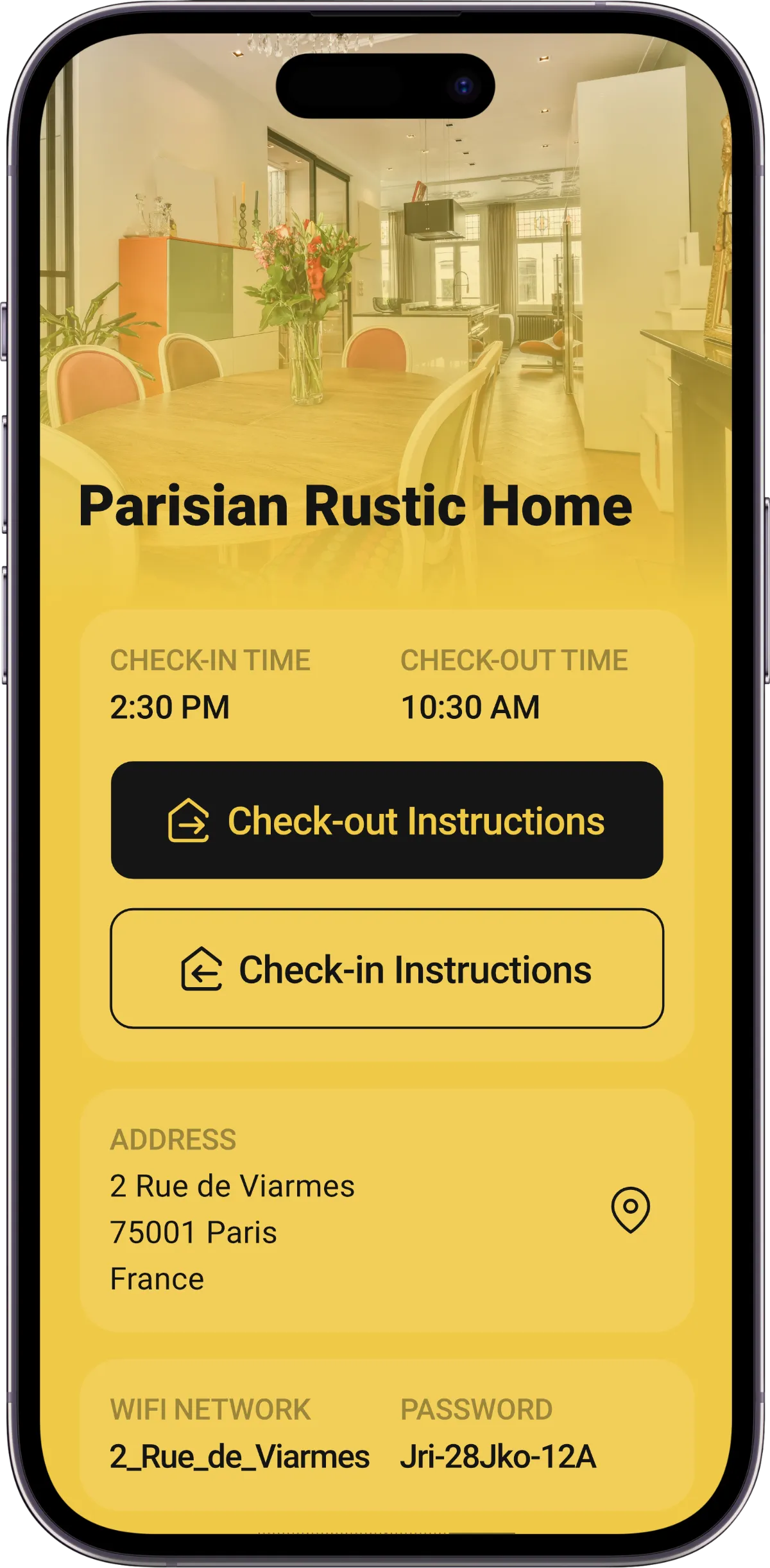
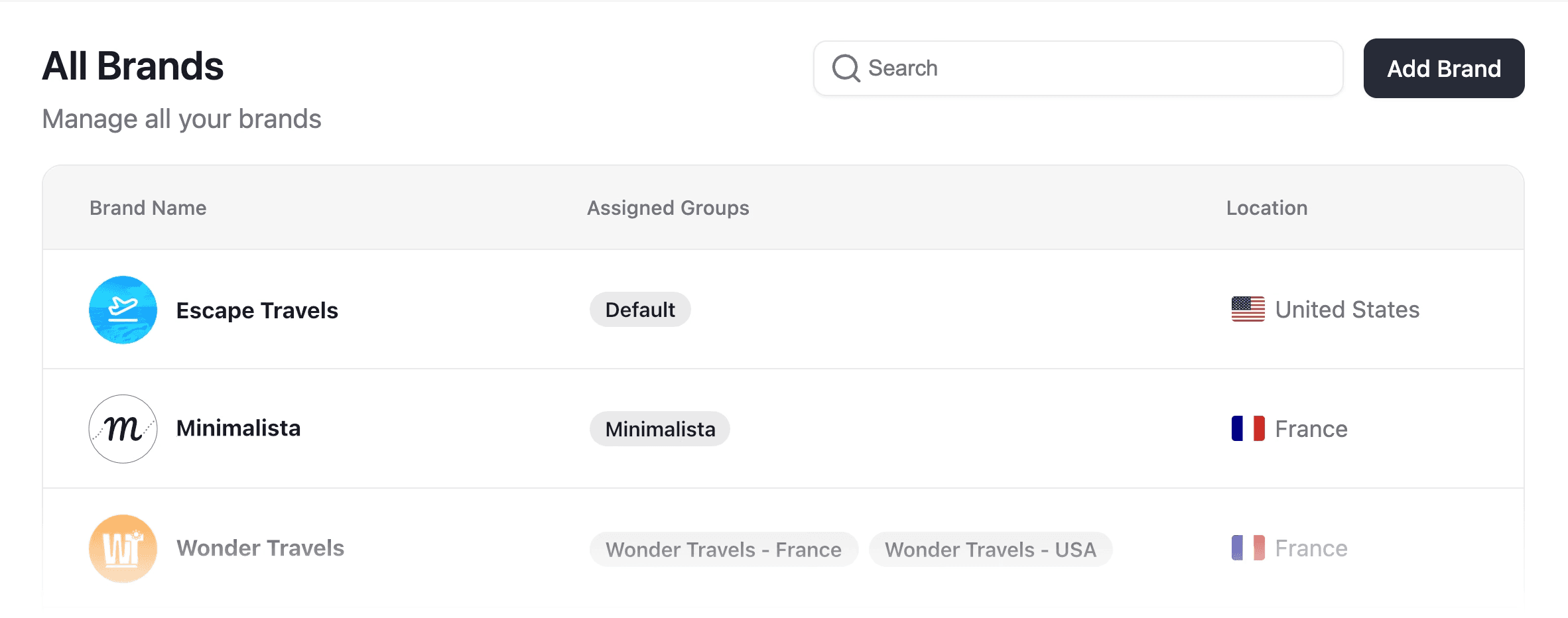
Multi-brand lets you run every brand from one Enso Connect account. Each brand keeps its own logo, colors, email sender domain, SMS number, PMS connection, social links, permissions, saved views and Boarding Pass links. Think of it as separate Enso workspaces under one login, with a master view across all of them.
HOW IT WORKS
Each brand gets its own identity.
You keep one dashboard.
Set up a brand once and every guest touchpoint for that brand follows it, from the Boarding Pass to the checkout screen.
Logo
Upload a logo per brand and it shows across that brand’s guest app.
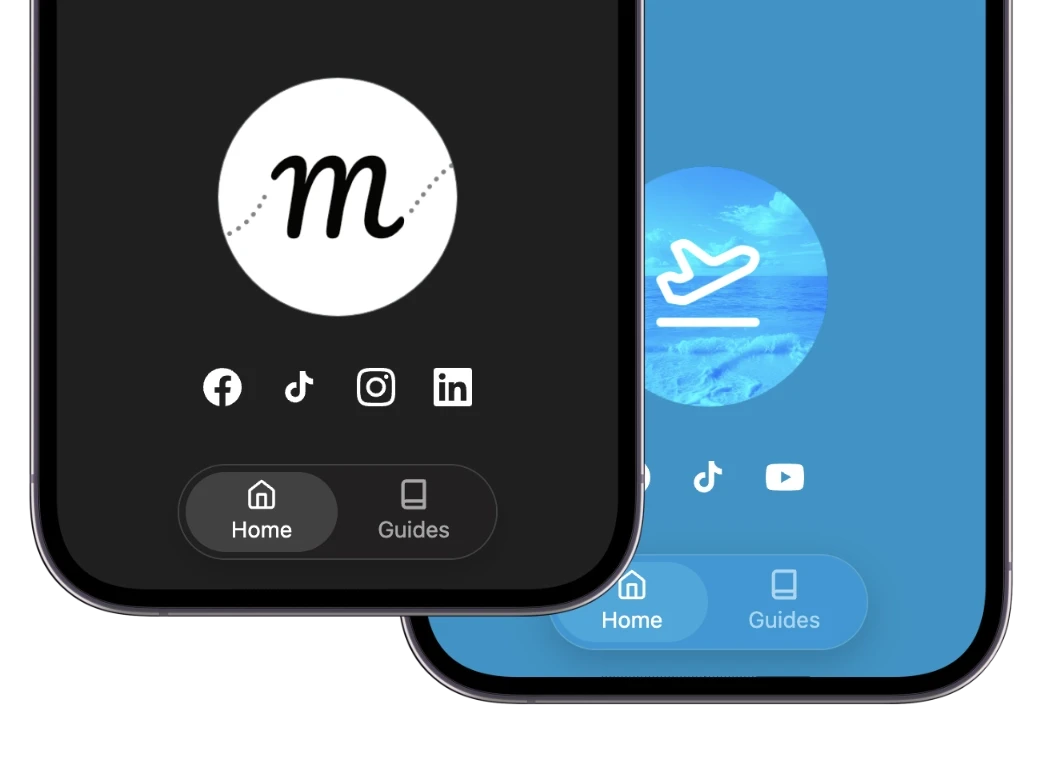
Brand colours and social media links
Each brand uses its own palette and points guests to its own social channels inside the guest app.

Email sender domain
Send from the unified inbox with each brand’s real address, like reservations@brandname.com.

Multiple white-label links
Give each brand its own Boarding Pass link on its own domain, so guests never see Enso.

Multiple SMS numbers
Give each brand its own SMS number so guests text the brand they booked with.





Multiple PMS accounts
Connect a different PMS to each brand and manage them all from one Enso account.
customers
Operators Managing Multiple Hospitality Brands Across Different PMS Platforms in One Account
See how hospitality operators manage multiple vacation rental and hotel brands, properties, and markets across different property management systems (PMS), all within a single Enso Connect account.




FAQ
Questions about multi-brand
Do I need a separate Enso account for each brand?
No. All your brands run as separate workspaces inside one account, with a master view across everything and one login for your team.
Can I connect a different PMS to each brand?
Yes. Each brand can have its own PMS connection, and you manage all of them from the same Enso account.
Can each brand have its own SMS number and email domain?
Yes. Assign a dedicated SMS number and sender address, like reservations@brandname.com, to each brand so guests always recognize who is messaging them.
What else can be set per brand?
Logo, color palette, social links, permissions, saved views and Boarding Pass links, plus the PMS, SMS number and email domain.
Can I control which team members see which brand?
Yes. Permissions and saved views are set per brand, so each team only sees the properties and conversations they manage.
Will guests know my brands share one account?
No. Guests only see the brand they booked with, across emails, texts and the Boarding Pass. The Boarding Pass is fully white-labeled too, so each brand gets its own unique URL on your domain.